A Native Frigate App for iOS
A native iOS client for Frigate NVR. Monitor your security cameras, review recordings, and stay on top of your home surveillance, all from your iPhone or iPad.
Requires iOS 17.0+ and Frigate NVR v0.14+ (v0.15+ for push notifications)
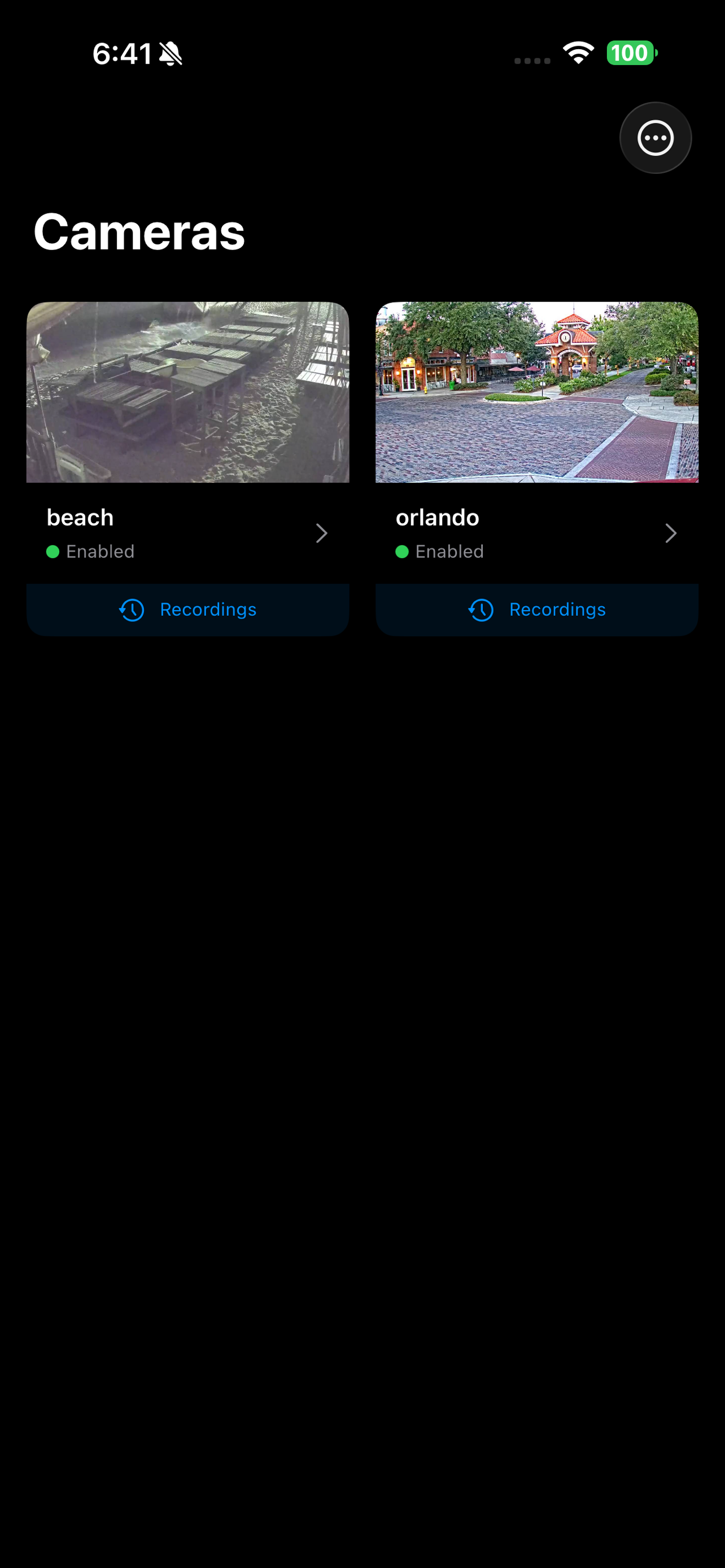
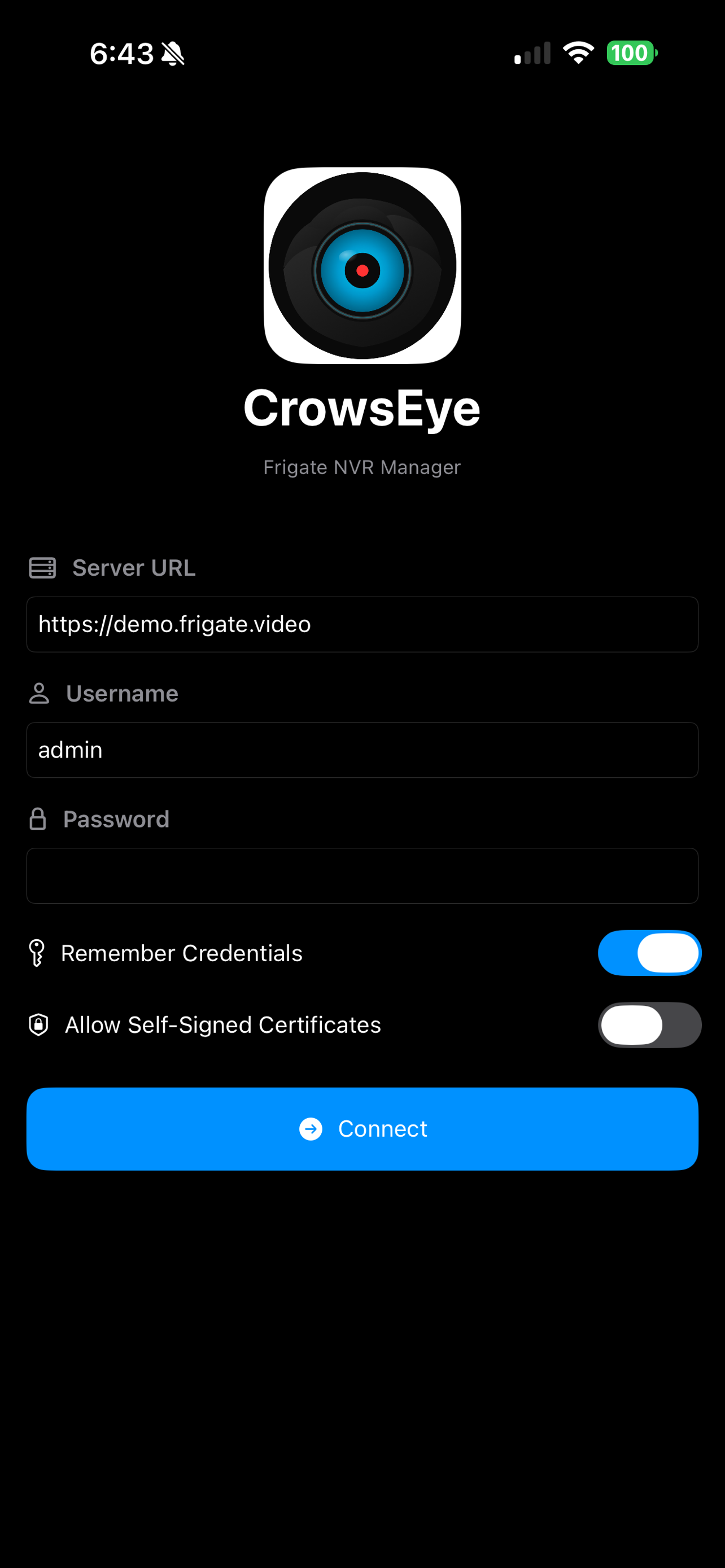
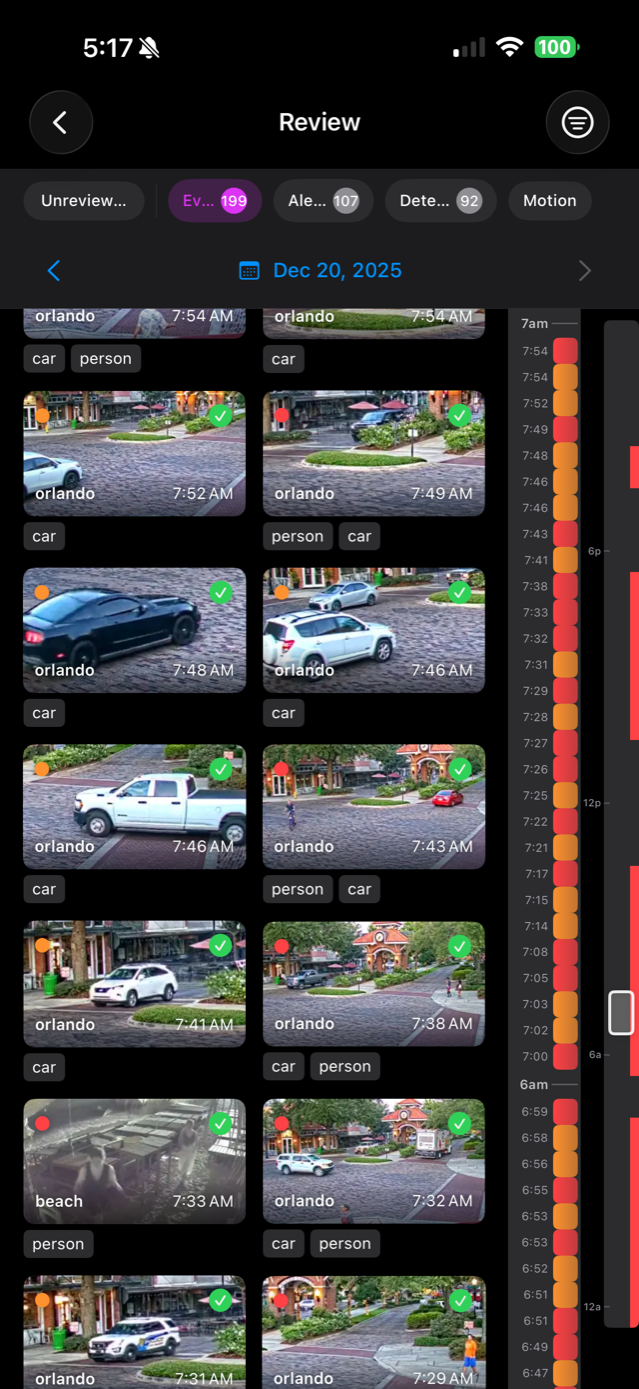
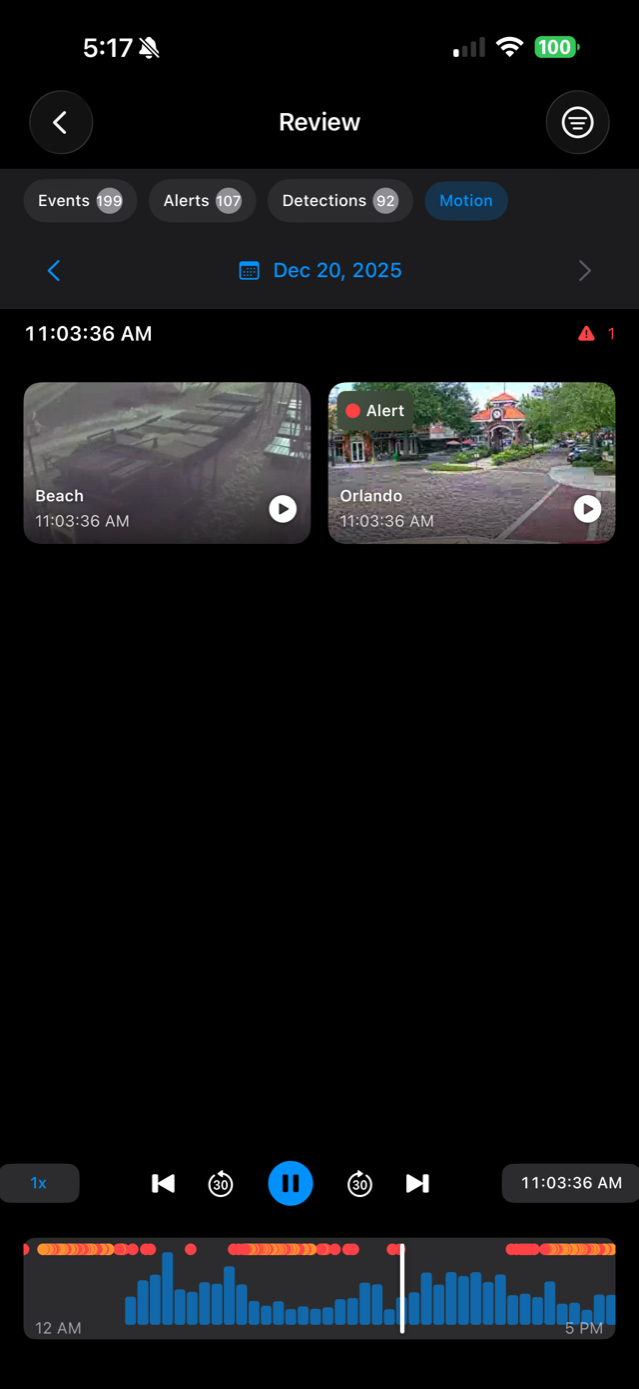
iPhone Screenshots

iPad Screenshots


CrowsEye Features
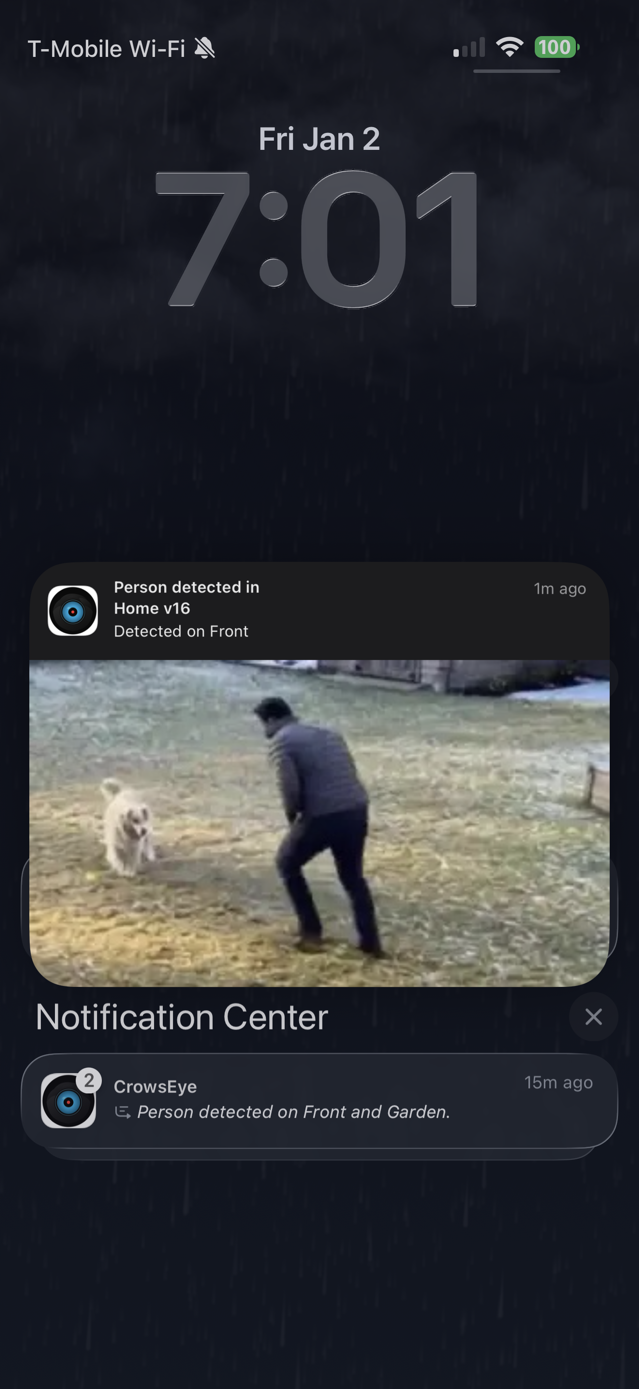
Push Notifications (Beta)
- Receive instant alerts when Frigate detects events
- Configure notifications per camera with granular controls
- Temporarily suspend alerts when you expect activity
- Stay informed even when the app is closed
- Requires Frigate 0.15 or later
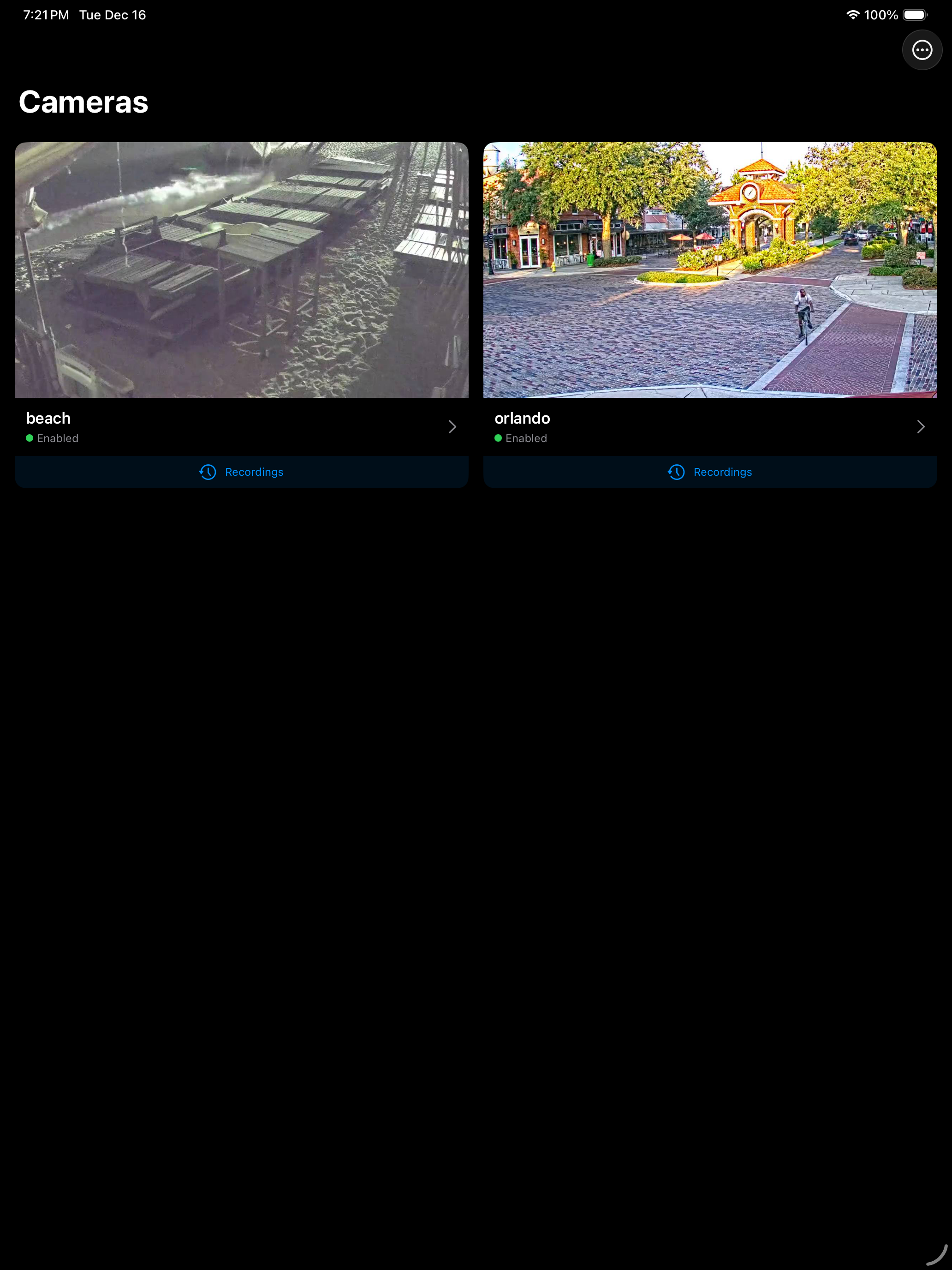
Live Camera Viewing
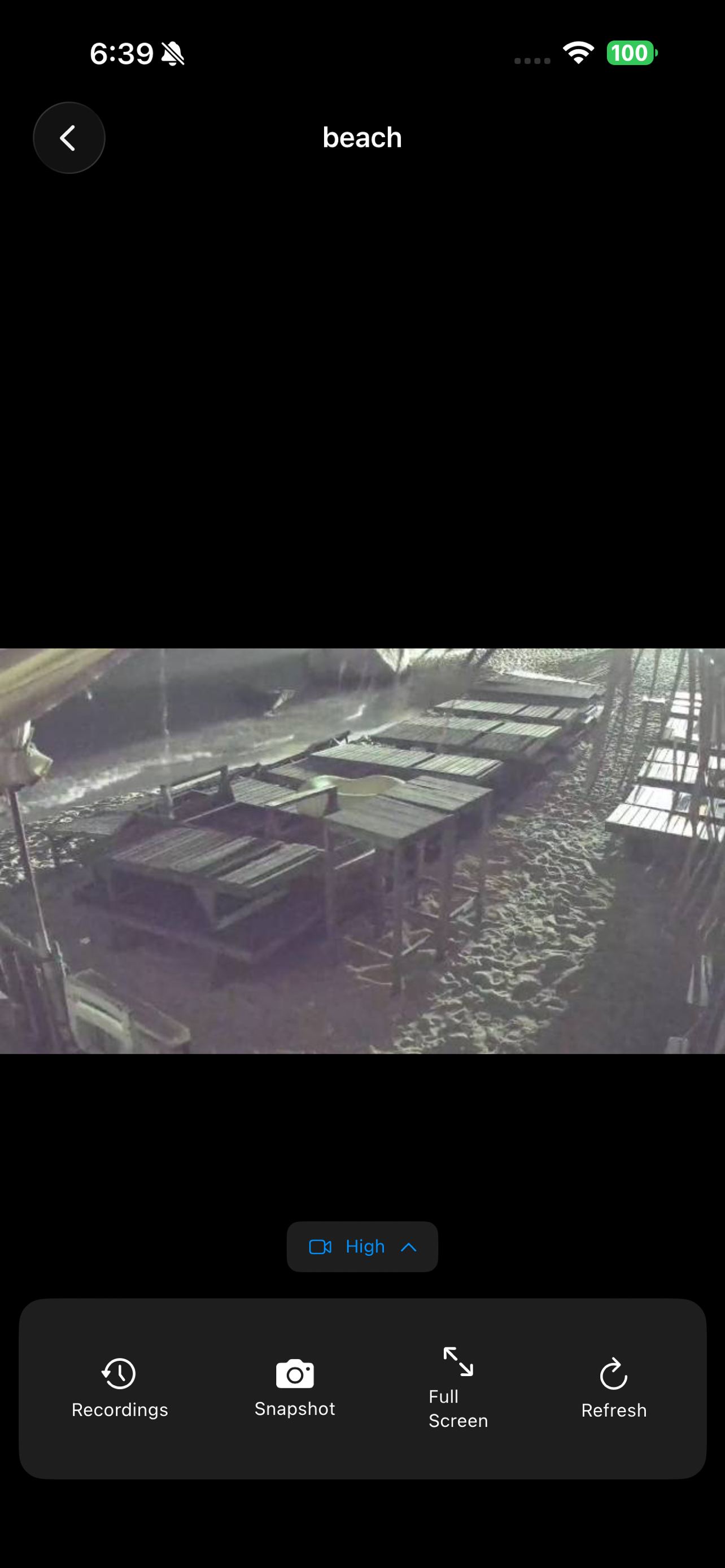
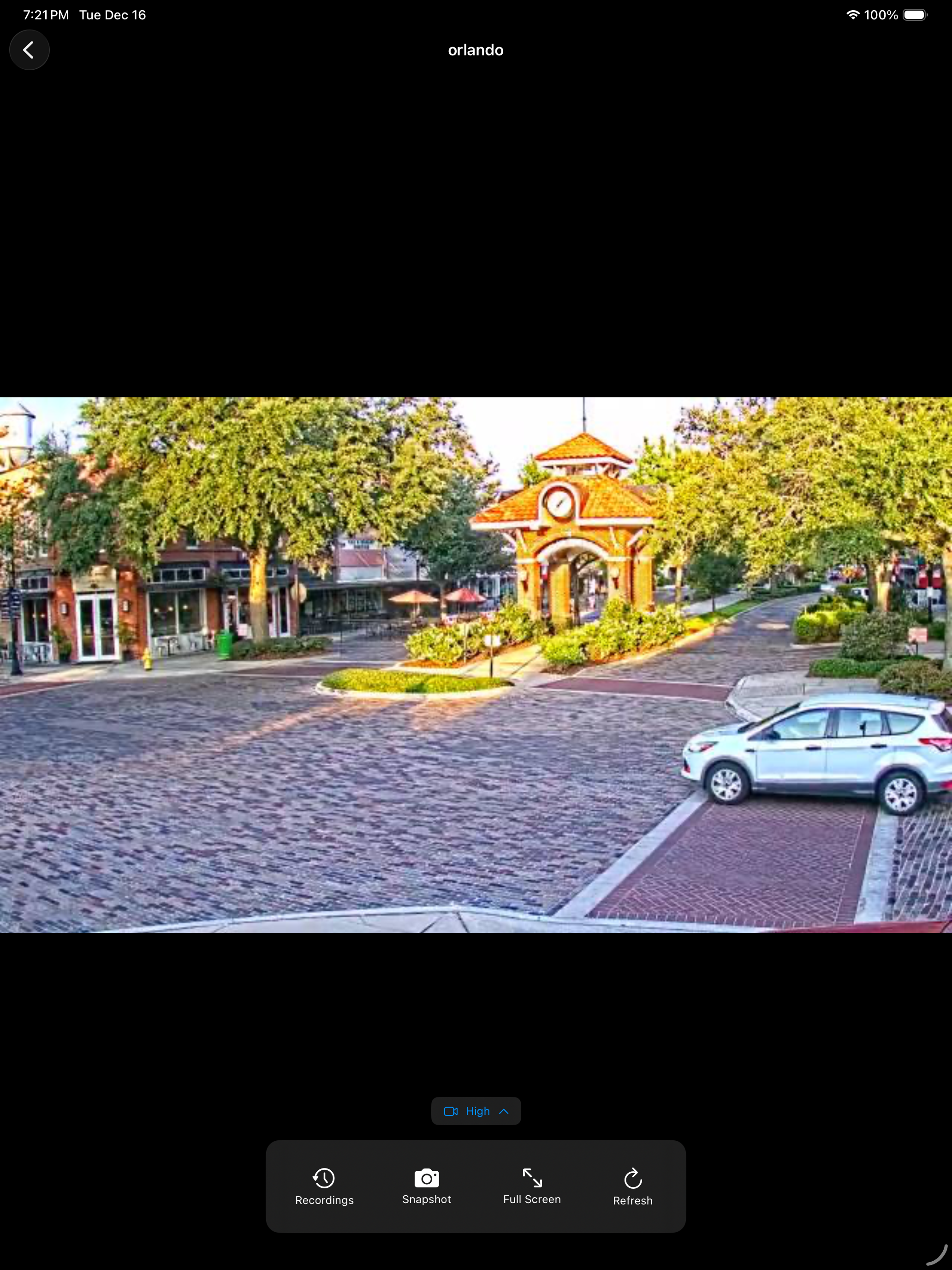
- Stream live footage
- Adaptive grid layout for standard and ultra-wide cameras
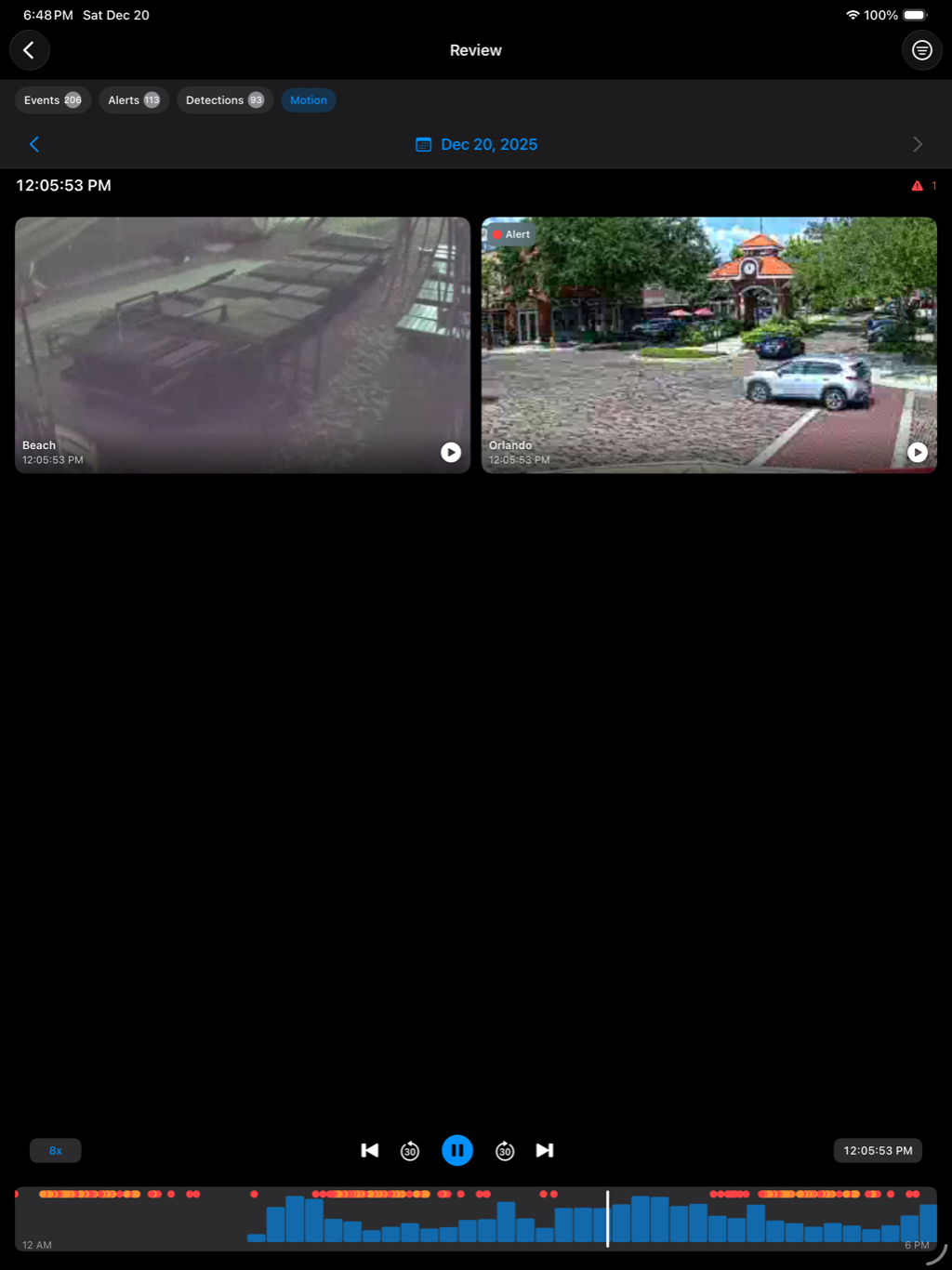
- Real-time motion and detection activity indicators
- Picture-in-Picture support
- Native pinch-to-zoom and pan (1x to 4x)
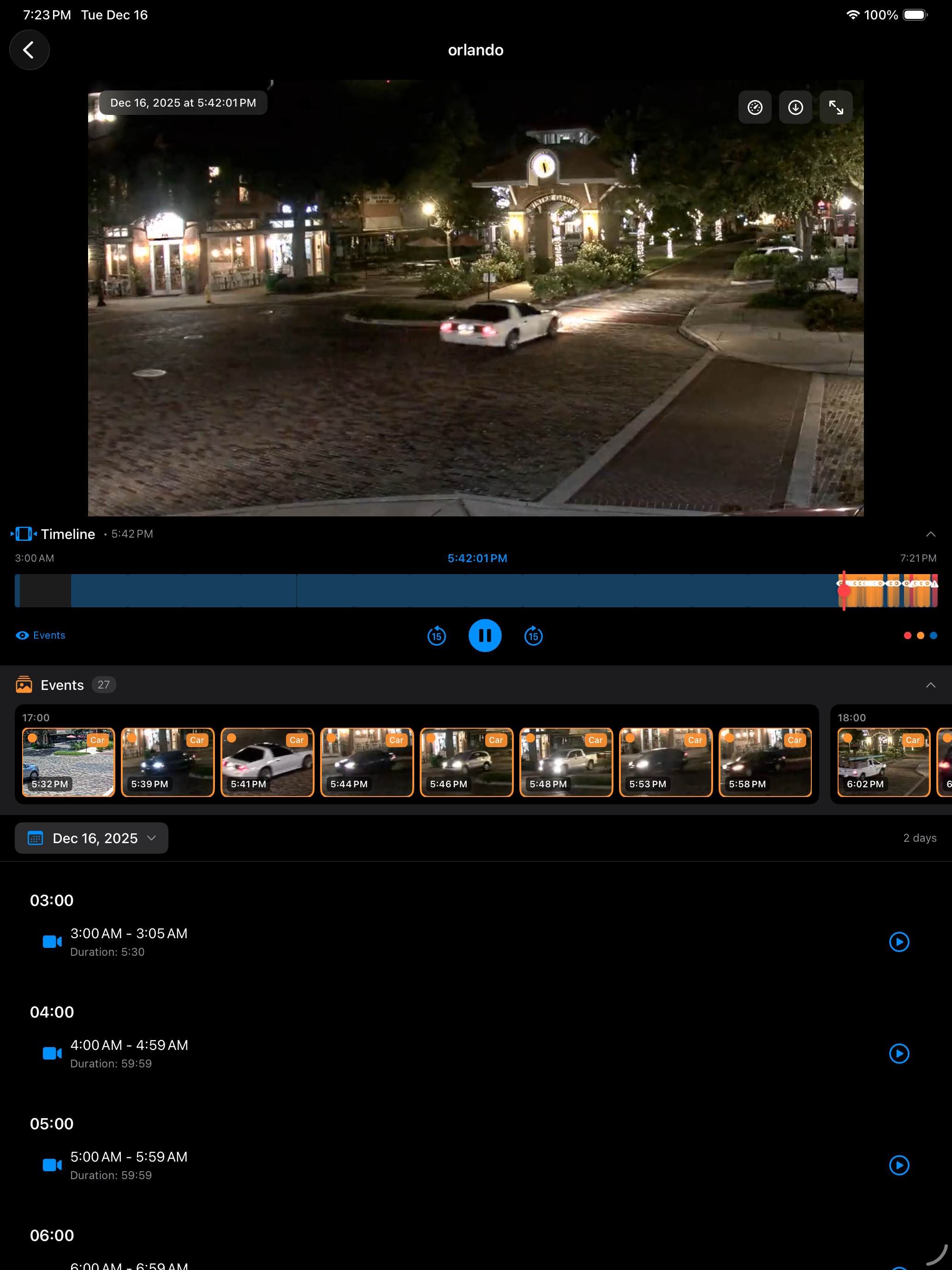
Recording Playback
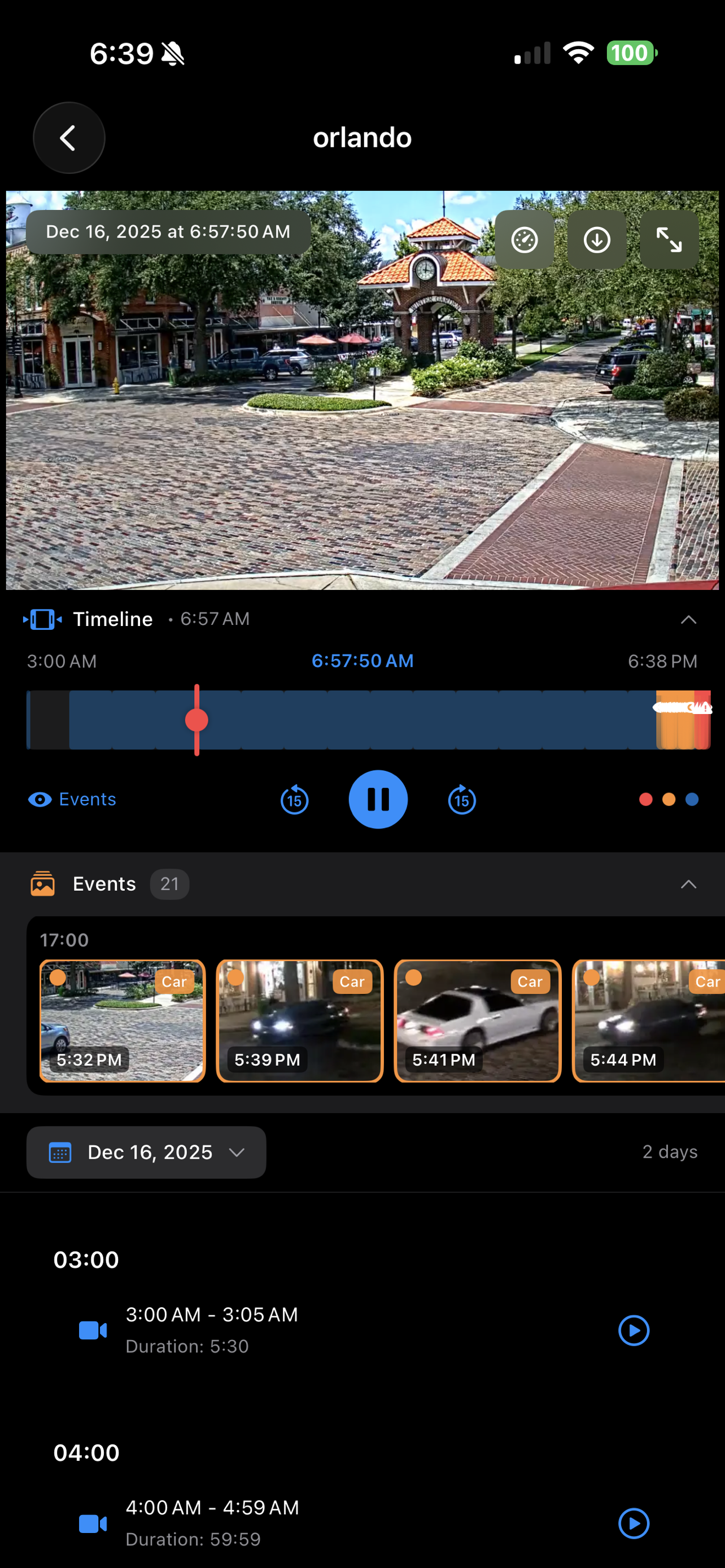
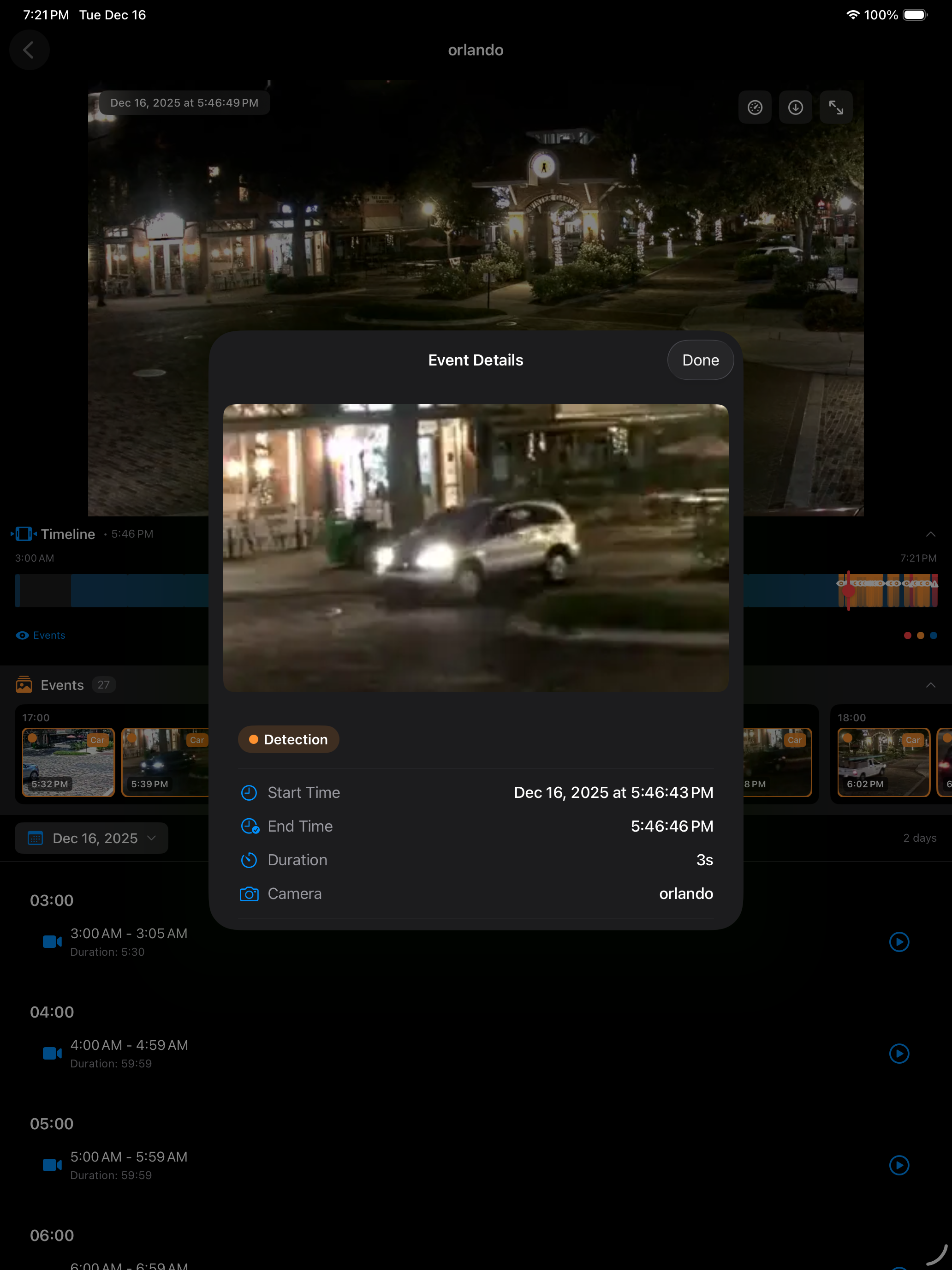
- Intuitive calendar interface for browsing recordings
- Navigate through hours of footage easily
- Pinch to zoom for detailed inspection
- Save clips directly to Photos library
Review & Detection Events
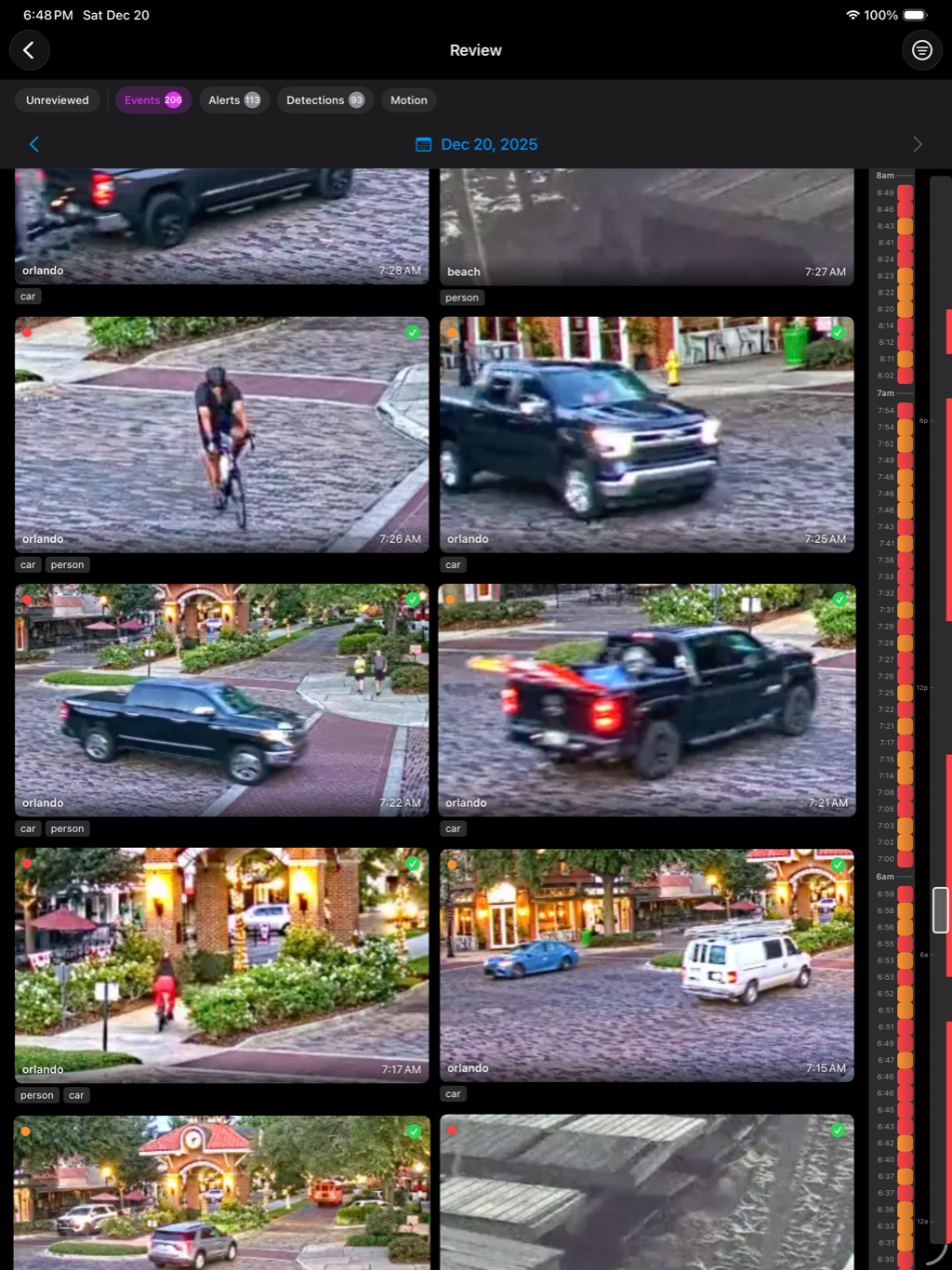
- Dedicated Review page for alerts and detections
- Browse AI-detected events (people, vehicles, animals)
- Quickly find important moments without scrubbing
- Event details with thumbnails and confidence scores
- Jump directly to event timestamps
Multi-Server Support
- Manage multiple Frigate installations from one app
- Quickly switch between home, office, or client locations
- Saved credentials with auto-login support
- Perfect for managing multiple properties
- Cloudflare Zero Trust support (browser login & tokens)
System Monitoring
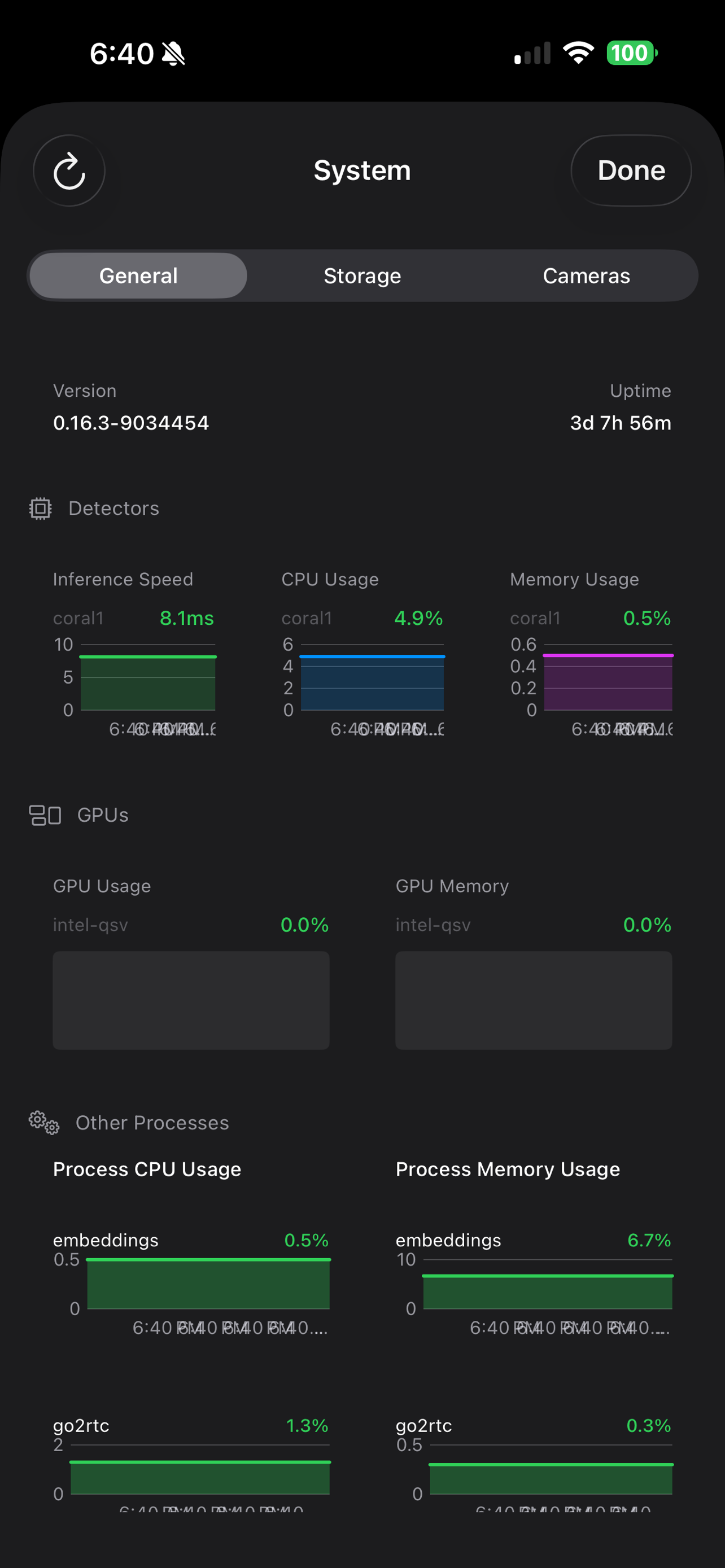
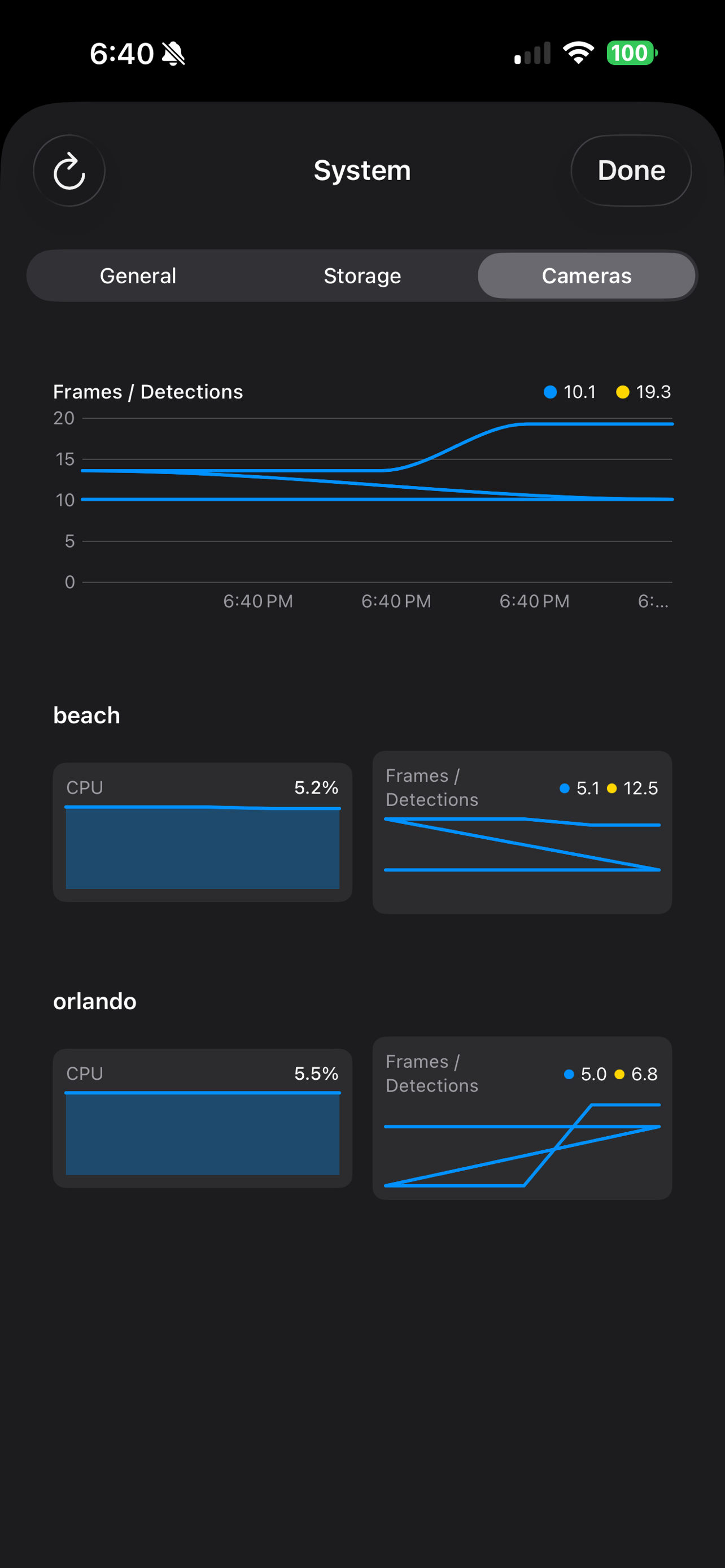
- Real-time server health metrics
- Detector inference speed and performance
- CPU and GPU utilization tracking
- Storage usage across all drives
- Per-camera recording storage breakdown
Security & Privacy
- Secure connection to self-hosted Frigate server
- Secure Keychain credential storage
- Cloudflare Zero Trust integration
- Your data stays on your server
System Requirements
iOS Device
iOS 17.0 or later
Frigate Server
Version 0.14 or later (0.15+ for push notifications)
Network
Access to your Frigate instance